


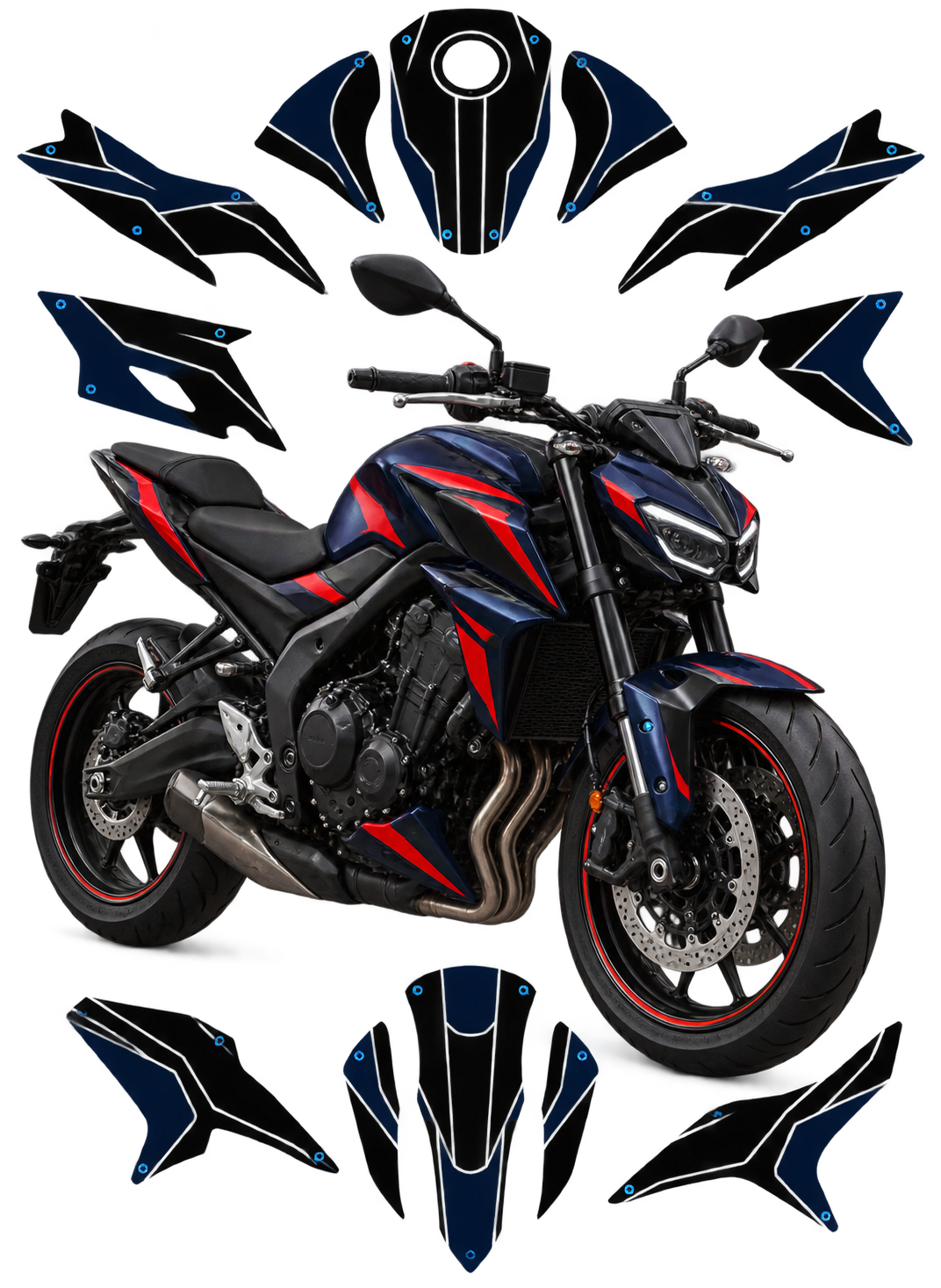
This Suzuki GSX-S1000 GT Side Case Set vector template reproduces the Suzuki GSX-S1000 GT Side Case Set at real scale (1:1) as an editable vector file.
Table of Contents
Suzuki GSX-S1000 GT Side Case Set Vector Template: Overview
Use this Suzuki GSX-S1000 GT Side Case Set vector template as an accurate base for decal kits, vinyl wraps, custom liveries and other graphics on the Suzuki GSX-S1000 GT Side Case Set. It is made for graphic designers, wrap installers and sticker manufacturers.
The Suzuki GSX-S1000 GT Side Case Set template is made for the factory-style side cases (panniers) offered for the GSX-S1000GT and, later, the GSX-S1000GX sport-touring bikes. It is a template for decorating the luggage, not the bike body, so it suits riders who want their cases to carry a custom graphic.
Each file contains editable vector outlines at real 1:1 scale, in AI, PDF and CorelDRAW, with layers grouped by part. It is a starting point for your own decal or wrap design, not finished artwork. Designers, wrap installers and sticker makers use it to plan graphics that follow the true shape of the case.
Below you will find the model story, what we could and could not verify about the cases on the GT and the GX, surface names, livery matching ideas, a method from outline to cut file, vinyl advice for luggage and a checklist to run before ordering.
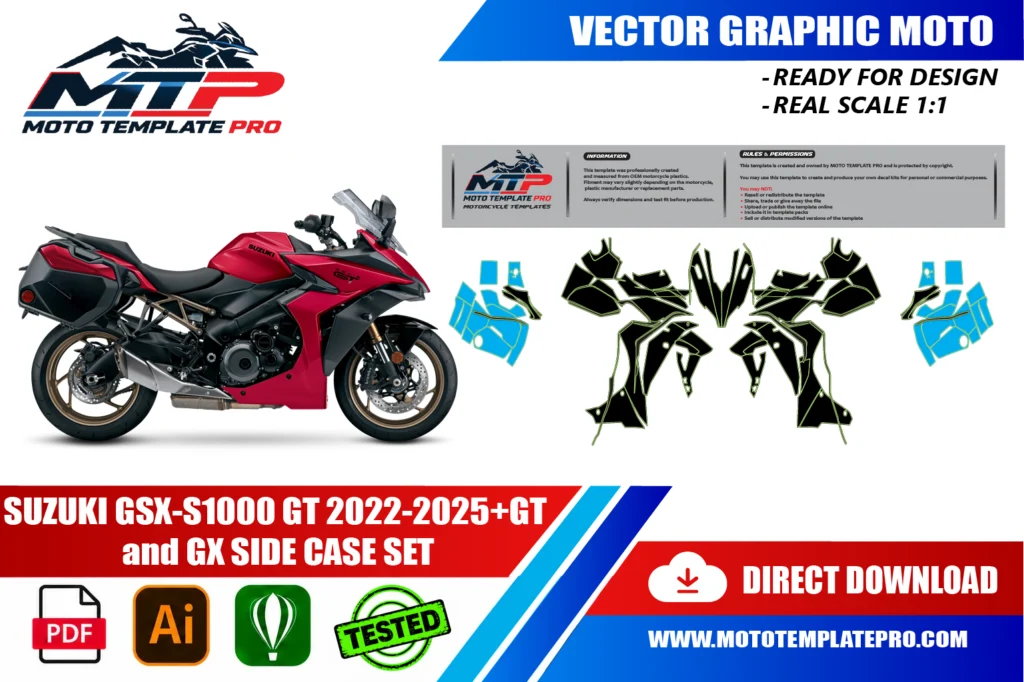
The template is provided as an editable vector file, compatible with Adobe Illustrator, PDF and CorelDRAW. It is a starting point for your own design work rather than a finished, ready-to-print graphic: a precise outline of the panels that you can use to position decals, plan a wrap layout or prepare a sticker kit at the correct scale. For background on why vector files are the standard for wrap and decal production, see the Adobe comparison of raster and vector formats.
Where the Suzuki GSX-S1000 GT Side Case Set fits in the GT and GX story
The GSX-S1000GT was introduced as a sport-tourer sibling of the GSX-S1000 naked bike, with European dealers expected to receive it from November 2021 and the 2022 model year as its first. It keeps the 999 cc inline-four from the K5-generation GSX-R1000, rated at 150 hp, and adds a new front fairing, a tall screen and a 6.5-inch TFT dash. The Suzuki GSX-S1000 GT Side Case Set is the luggage that turns that bike into a more serious tourer.
The GSX-S1000GX followed. It was unveiled at EICMA 2023, with sales starting in December 2023 in Europe and North America, and is positioned as a crossover between the GT and the V-Strom 1050. Reports describe a taller seat, a more upright position, an adjustable screen and semi-active suspension. In the United States only the GX+ was reported, with colour-matched saddlebags and a centre stand included.
The product name says GT, and the years follow the template listing, 2022 to 2025 and later. We did not verify a full list of model years for the cases, so do not rely on dates alone. Compatibility can vary with exact variant, year and aftermarket parts.
What the factory side cases are, and what we could not verify about GT versus GX
Suzuki’s accessory listing for the GT describes large-capacity side cases, each able to hold a full-face helmet, with a quick-release key mechanism. The listing behind the Suzuki GSX-S1000 GT Side Case Set covers the GSX-S1000GT for 2022 to 2026. A separate listing covers the GSX-S1000GX for 2024 to 2026.
What we confirmed
- Both listings describe large side cases that fit a full-face helmet.
- The cases use a single key system, and brackets and lock sets are listed separately.
- The GT listing offers a garnish in five colours: Pearl Vigor Blue, Metallic Reflective Blue, Metallic Triton Blue, Glass Sparkle Black and Candy Daring Red.
What we could not verify is whether the case shells are identical between the GT and the GX. The GX listing names an adapter, and one image caption lists the set for both bikes, but nothing compares them. We also did not verify the exact area a garnish covers, though we understand it to be a coloured trim part on the case. The 25.7 litres per case reported for the US GX+ bags was not confirmed for the accessory cases. Compare the outline with your own cases before printing.
The surfaces you can decorate on the Suzuki GSX-S1000 GT Side Case Set
Unlike a bike body, a case has few parts, but each is a large, visible surface. Names differ between catalogues, so treat the list as typical vocabulary. On the Suzuki GSX-S1000 GT Side Case Set you will mostly decorate the outer shell of each case, one on the left and one on the right.
Areas to look at
- Outer face: the biggest, gently curved area, the natural place for a graphic.
- Garnish or trim area: the coloured part, if fitted, which you may keep or overlay.
- Lid edge and seam: the line where lid and body meet, which graphics should not cross carelessly.
- Lock and release zone: keyhole and handle, which need clean cut-outs.
- Mounting side: the inner face against the bike, normally left plain.
The template provides editable vector outlines at real 1:1 scale in AI, PDF and CorelDRAW, with layers grouped by part. Read the product description for the outlines actually drawn, since a pair of cases is a different job from a fairing kit.
Photograph both cases square-on with a ruler, because left and right cases are mirror images and not always identical in hardware. Compare those photos with the outline of the Suzuki GSX-S1000 GT Side Case Set and note any scuffs or repairs. Name your layers left and right from the start.
Matching the bike livery with custom graphics on the Suzuki GSX-S1000 GT Side Case Set
Cases are seen from the side and from behind, which makes them the second billboard of the bike. For a Suzuki GSX-S1000 GT Side Case Set, the goal is usually continuity: the cases should look like part of the same design as the tank and fairing, not an afterthought.
Directions to try
- Colour echo: take the main bike colour, such as a blue or the red, and repeat it as a band across the case.
- Line continuation: extend a fairing stripe so it appears to run through the case at the same height.
- Two-tone split: a dark lower half and a light upper half that echoes the tail section.
- Quiet touring: a small mark and a tone-on-tone pattern that does not shout in a car park.
Consider the factory finish first. The accessory listing mentions a black version and coloured garnishes, so your starting point may be gloss black, a colour part or an aftermarket finish. We did not verify every factory colour combination, so check yours before choosing a palette. A white band on dark plastic looks deliberate; a muddy half-tone looks accidental.
Think about daily life. Cases take bumps from walls, kerbs and car doors, so keep small text away from corners and edges. High-visibility accents on the rear face can help riders who travel in the dark, but check local rules before you use them.
From vector outline to cut file for the Suzuki GSX-S1000 GT Side Case Set
Open the file, check that the artboard is at 100 percent and rename the layers left and right. Because a case is a curved shell with a lid line, the first job on the Suzuki GSX-S1000 GT Side Case Set is to decide where each graphic will sit: wholly on the outer face, or wrapping over a gentle edge.
Build the artwork inside each contour with about 3 to 5 mm of bleed, and keep text and small marks inside a safe zone away from the lock, the handle and the seam. Place the cut path on its own layer, ideally as a spot colour. Mirror a graphic for the opposite case only when a design must point forward on both sides, and never simply flip text.
Print one piece on paper at actual size, cut it out and tape it on the real case. This paper test is also your compatibility check: it shows scale differences, curve problems and misplaced cut-outs before they cost vinyl. Do it on both cases, since small differences between left and right can appear.
Work in the colour profile supplied by your print shop and ask for a test strip, especially for dark colours on a black shell. Convert text to outlines, embed images and export a PDF as well as the native file.
Finally, plan a dry fit with the cases off the bike and laid on a bench. The listing describes a quick-release mechanism, so removing the Suzuki GSX-S1000 GT Side Case Set for the job should be simple, and it is far easier to handle a case on a table than on a machine.
Luggage wrap vinyl: wear, sun and knocks on the Suzuki GSX-S1000 GT Side Case Set
Luggage lives a harder life than a tank. Cases take sun, rain, road spray, strap rub and knocks. For a Suzuki GSX-S1000 GT Side Case Set, use cast vinyl with a UV-resistant clear laminate, and a satin or gloss finish that wipes clean. Satin hides fine scratches better than gloss, so test a sample if the cases are loaded and unloaded every day.
Plastic luggage can have a textured or a very smooth surface, and we did not verify the finish of the factory cases. Test adhesion on a discreet spot, and if the surface is textured, ask your film supplier whether it needs a different adhesive. Clean with isopropyl alcohol and avoid silicone products.
Apply with tape hinges and a squeegee from the centre outward, using gentle heat only on curves. Keep film away from hinges, lock cylinders and rubber seals, and never cover a part that moves.
Leave a gap of about 1 to 2 mm around the lid seam so the lid can open without lifting the edge. Wrap edges inward only where no moving part is involved, and let the adhesive bond for a day before loading the cases or washing them.
A tough clear protection film on the lower corners helps, because that is where kerb knocks happen. On a Suzuki GSX-S1000 GT Side Case Set that comes on and off the bike, repairing a corner is easier than reprinting a whole side.
Before you order: is this the right Suzuki GSX-S1000 GT Side Case Set file for your bike?
First, look at what you own. The template is for the side cases, so if you want to decorate the fairing, tank or tail of the bike, you need a different product. If your GT or GX carries aftermarket cases from another brand, this outline will not match them.
- Check that your cases are the factory-style set and not another brand.
- Compare the shape of the lid and the lock area with the product photos.
- Check whether a garnish or colour trim is fitted, since it changes what you overlay.
- Measure one case at its widest point and compare it with the file at 100 percent.
If you ride a GX, ask before ordering. The GX has its own accessory listing with a separate adapter, and we did not verify whether the shells match the GT. A GT of a recent year is a safer fit than a guess, but even then compare the outline with the real cases.
If your bike sits near a change, such as a 2025 or 2026 model, send clear photos with your question. Every template is a separate product, and this file is independent and not official or approved by the manufacturer. When in doubt, ask first.
How This Template Is Built
This Suzuki GSX-S1000 GT Side Case Set vector template is rebuilt as a fully editable vector outline from the real panel proportions of the Suzuki GSX-S1000 GT Side Case Set, rather than a rough tracing or a stretched photo. Working at true 1:1 scale means printers and installers can output panels straight from the file without rescaling, which keeps stripes, sponsor logos and pinstripes aligned exactly where they were designed.
Because the panel outlines are kept as separate, editable shapes, you can turn individual sections on or off while you design and export only the panels you actually need for production. On a vehicle of this kind (touring pannier set), the typical panel groups include the lids, side faces and outer faces of the cases. Before printing, always measure a panel on the real vehicle against the file, since small production differences can happen and a quick check avoids a costly reprint.
What You Can Use This Template For
- Pannier wrap layouts
- Decal and sticker kits
- Touring and expedition branding
- Sponsor logo placement
- Custom liveries
This Suzuki GSX-S1000 GT Side Case Set vector template suits touring riders planning a pannier wrap or decal kit, wrap shops quoting jobs sight-unseen, and sticker manufacturers who need a reliable base file instead of starting from photographs. Because the panel outlines are separated rather than merged into one flattened shape, you can isolate a single panel and export only what you need, which saves time when a project only touches part of the vehicle.

Files Included and How to Use Them
After purchase you get an instant digital download of the Suzuki GSX-S1000 GT Side Case Set vector template in three formats. A typical workflow takes only a few steps:
- Download the file from your account or order email right after payment.
- Open the AI, PDF or CorelDRAW version in your vector software.
- Hide the panels you do not need and place your graphics, logos and colors on the rest.
- Print one test panel at 1:1 and check it against the real vehicle.
- Export the final artwork for your printer or cutter.
Printing, Scale and File Notes
Before you print this Suzuki GSX-S1000 GT Side Case Set vector template, remember that it is built at real 1:1 scale, so the safest workflow is to print a single test panel first and lay it against the actual Suzuki GSX-S1000 GT Side Case Set before committing to a full print run. A short test print is cheap insurance against a wasted roll of vinyl, especially around curved sections.
The vector layers are grouped by panel, which keeps the file manageable if you only need a subset of the panels, useful for a partial wrap, a single panel graphic or a small decal pack. If you run into a fitment question that is not covered here, reach out before you print. We would rather answer a quick question in advance than have you reprint a panel.
Also in our catalog: Suzuki GSXR 600 750 K8 K9 2008-2010 Vector Template, TM 125-144-250-300 2 Stroke 2022 2025 Vector Template, Suzuki GSX-R 1000 2007-2008 Vector Template, Suzuki V-Strom 1050 2022 Vector Template, Suzuki RMZ 450 2024-2025 Vector Template, Suzuki GSX-R 600 750 2011-2018 Vector Template.
Browse all Suzuki vector templates.
Moto Template Pro is an independent design resource and is not affiliated with, endorsed by, or sponsored by Suzuki or any manufacturer.
Which model years does this Suzuki GSX-S1000 GT Side Case Set vector template cover?
This template is built specifically for the Suzuki GSX-S1000 GT Side Case Set.
Is the Suzuki GSX-S1000 GT Side Case Set template for decorating the bike body?
No. It covers the side cases only, not the fairing, tank or tail. Use it to plan graphics for the luggage, and match them to your bike by eye. Compatibility can vary with exact variant, year and aftermarket parts, so compare the outline with your real cases before printing.
Does the Suzuki GSX-S1000 GT Side Case Set template also fit the GX?
We cannot promise it. The GX has its own accessory listing with a separate adapter, and we did not verify whether the case shells are identical to the GT. Send clear photos of your cases before ordering, and compare the outline with them at 100 percent.
How do I match Suzuki GSX-S1000 GT Side Case Set graphics to my bike livery?
Pick one colour or line from the bike and repeat it on the cases, instead of copying every detail. A stripe at the same height as a fairing line makes the set read as one design. Print a paper test, tape it on the case and look from the side and the rear.
Can vinyl go over the garnish of a Suzuki GSX-S1000 GT Side Case Set?
Often yes, but we did not verify the exact area or finish of the garnish. Test adhesion on a discreet spot, keep film away from locks and seams, and decide whether you want to overlay the colour or keep it as part of the design.
Which vinyl lasts on a Suzuki GSX-S1000 GT Side Case Set used daily?
Cast vinyl under a UV-resistant laminate is the safer choice. Satin hides fine scratches, and a clear protection film on the lower corners absorbs kerb knocks. Keep edges away from hinges and seals, and let the adhesive bond for a day before loading the cases.
Is this template compatible with other models?
No. Each model and generation has different bodywork, so this template is specific to this platform and differs from every other template in our catalog.
What file formats are included?
The template is provided in Adobe Illustrator, PDF and CorelDRAW, all as editable vector layers rather than a flattened image.
How is the file delivered?
As an instant digital download available immediately after purchase, with no physical items shipped and no waiting on a production schedule.
Is this an official Suzuki product?
No. Moto Template Pro is an independent business, not affiliated with Suzuki.
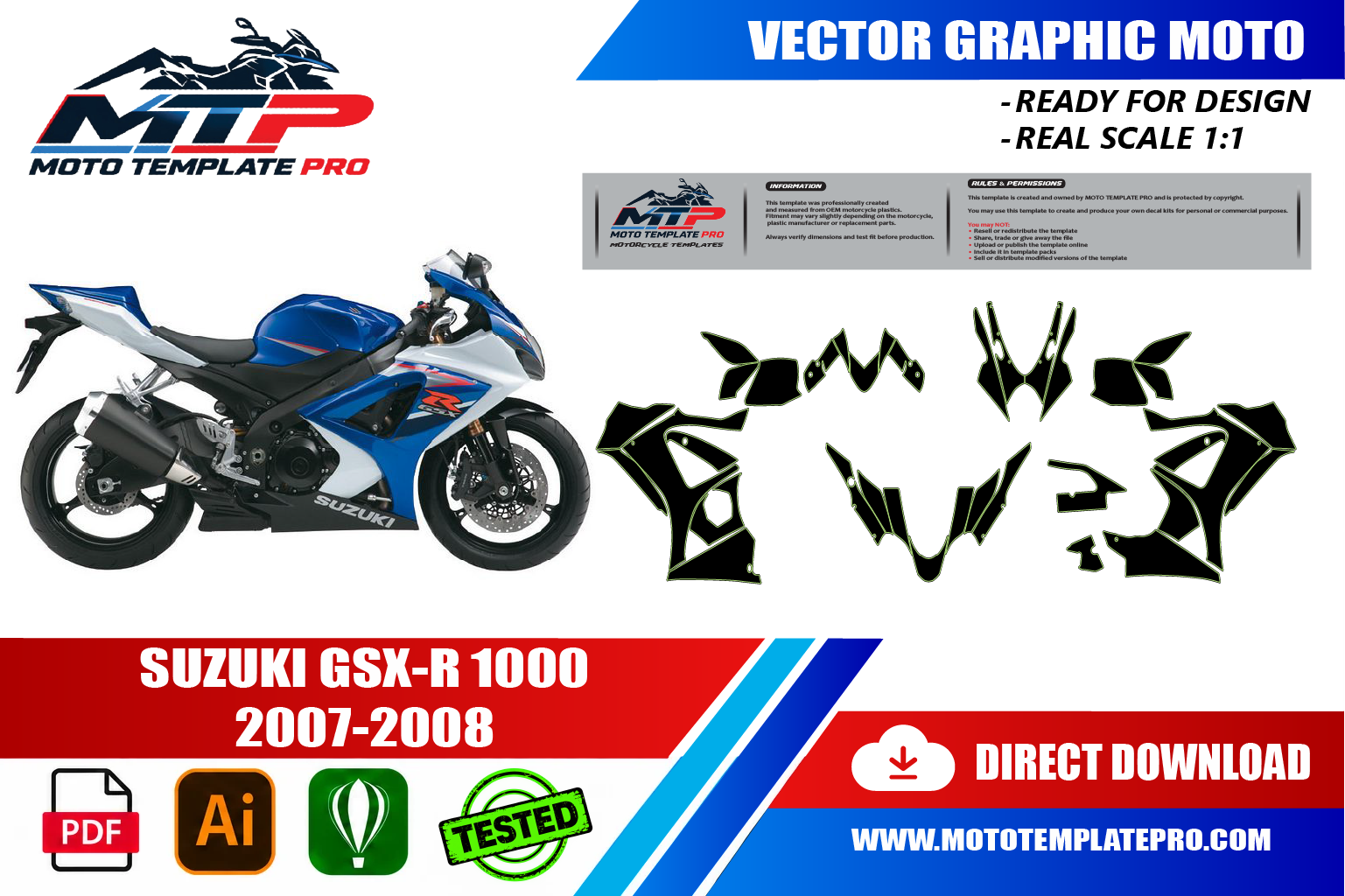
Suzuki GSX-R 1000 2007-2008 Vector Template
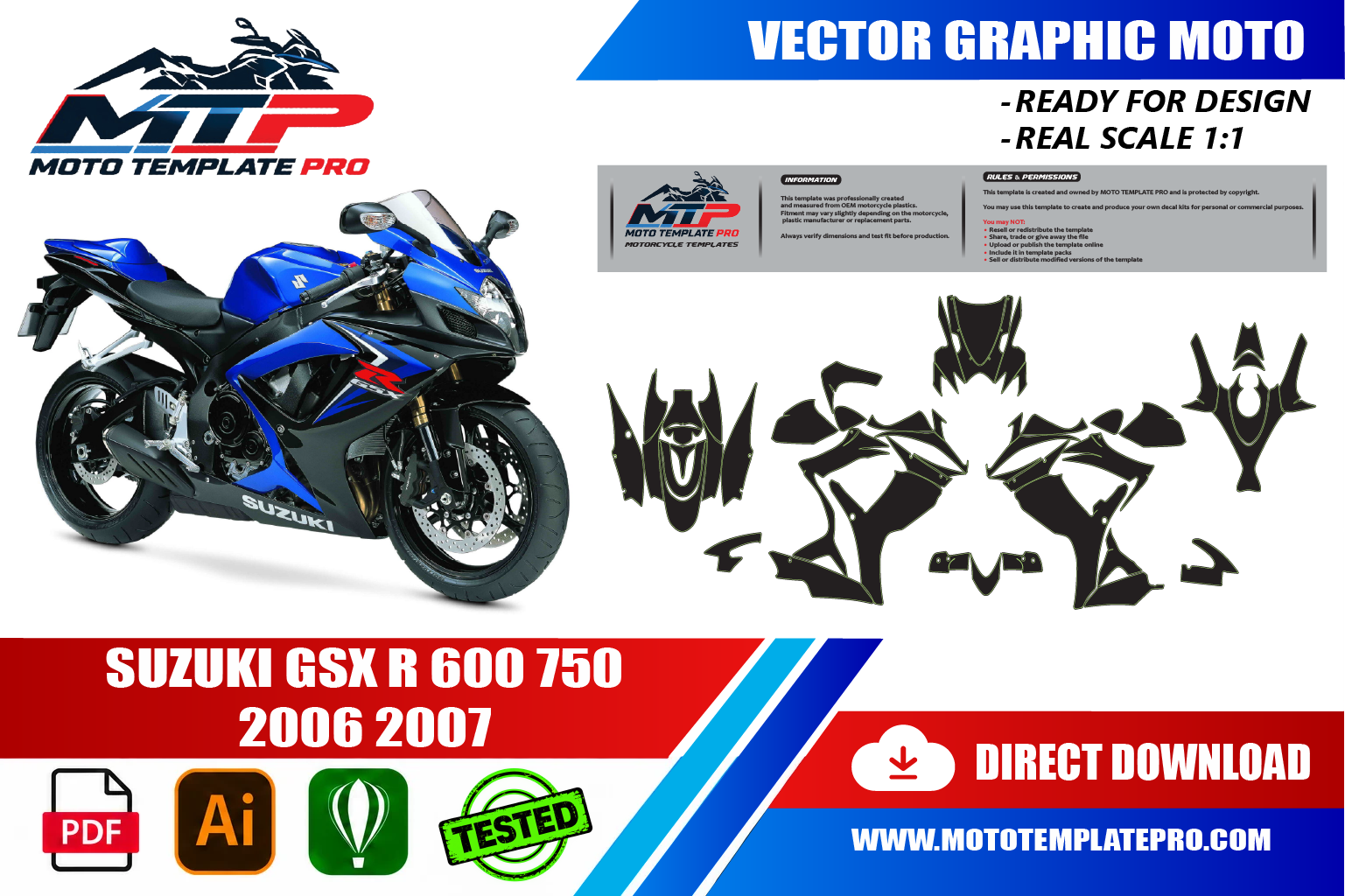
Suzuki GSX-R 600 750 2006-2007 Vector Template

Suzuki RMZ 450 2018-2023 Vector Template

Suzuki RMZ 450 2024-2025 Vector Template


Reviews
There are no reviews yet.